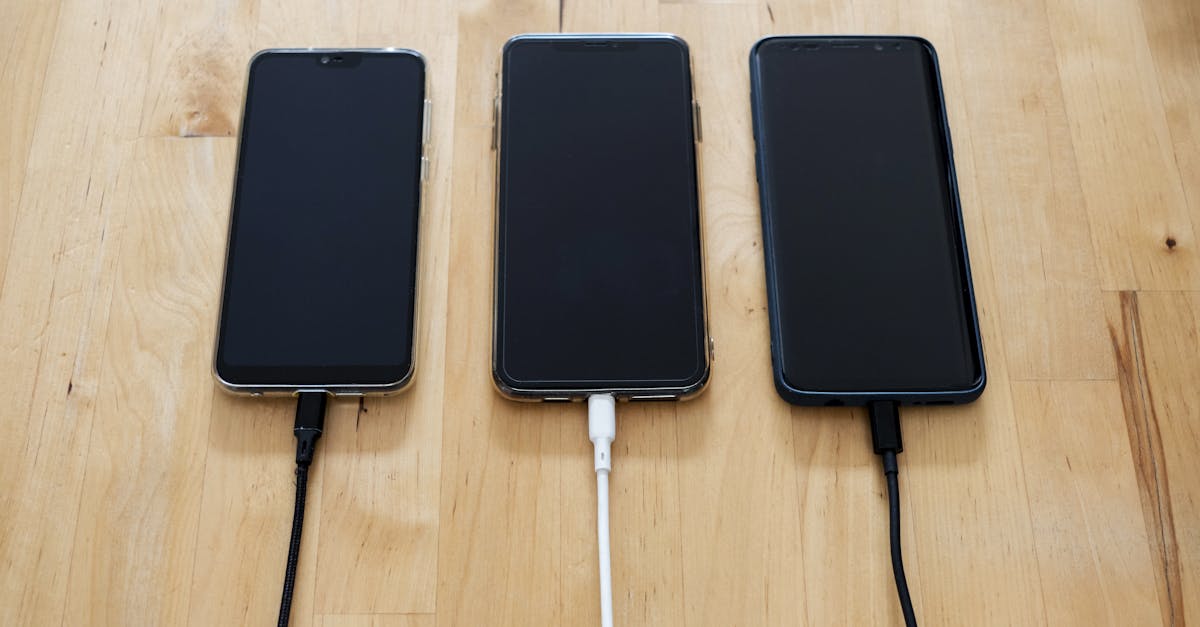
For years, the conventional wisdom dictated that each device needed its own dedicated charger. Mix them up, and you were supposedly inviting battery degradation, slow charging, or worse. This belief was rooted in a time when chargers were far less intelligent, often delivering fixed voltages and amperages. However, in 2026, with the widespread adoption of USB Power Delivery (USB-PD) and smart charging protocols, this idea is largely a relic of the past. The truth is, consolidating your charging setup with a single, high-quality USB-C PD charger is not only convenient but often better for your devices’ long-term health and your sanity. I’ve personally streamlined my entire tech arsenal—from my gaming laptop to my earbuds—to a handful of gallium nitride (GaN) chargers, and the results have been overwhelmingly positive, both in charging efficiency and battery longevity across my gear.
Key Takeaways
- Modern USB-C Power Delivery (USB-PD) chargers intelligently negotiate power, preventing damage to your devices.
- Using a higher wattage charger than required is safe, as devices only draw the power they need.
- Consolidating to fewer, higher-quality GaN chargers reduces clutter and is often more efficient.
- Prioritize certified USB-IF compliant chargers to ensure safety and proper power delivery.
Your Devices Are Smarter Than You Think: The USB-PD Protocol at Work
The biggest misconception I encounter is that a ‘more powerful’ charger will somehow ‘force’ too much electricity into a smaller device, damaging its battery. This simply isn’t how modern charging works, thanks to the USB Power Delivery (USB-PD) standard. When you connect a USB-C PD charger to a compatible device, they engage in a sophisticated digital handshake. The device communicates its exact power requirements (voltage and current), and the charger responds by delivering precisely what’s needed. It’s a negotiation, not a brute-force delivery. For instance, my 100W GaN charger can comfortably power my 65W gaming laptop, my 20W smartphone, and even my 5W earbuds without any risk. The laptop will draw 65W, the smartphone 20W, and the earbuds 5W. The charger doesn’t dictate; the device requests. This intelligent communication is the cornerstone of why universal USB-C PD charging is not just safe but optimal.
In my own setup, I used to have a separate brick for my 65W ultrabook, another for my 18W phone, and a myriad of smaller cubes for my wearables and headphones. Switching to a single 100W multi-port GaN charger immediately reduced my travel bag weight and desk clutter. What changed everything for me was seeing real-time power draw readings with a USB-C power meter. It clearly showed my phone pulling its maximum 20W from the 100W port, never more, confirming the safety protocol in action. This hands-on experience really solidified my trust in USB-PD.
Why Higher Wattage Chargers Are Safe and Often Superior
Another lingering concern is that a charger with a higher wattage output than a device’s requirement might somehow be detrimental. Again, this misunderstands the USB-PD negotiation. A 100W charger plugged into a smartphone designed for 20W will still only deliver 20W to that phone. Think of it like a water tap: the tap (charger) can deliver a lot of water, but your glass (device) will only fill to its capacity. The excess capacity of the charger simply goes unused, sitting ready for a more demanding device like a laptop.
In fact, a higher wattage charger can sometimes be better. Here’s why: most multi-port chargers distribute power. If you have a lower wattage charger with multiple ports, plugging in a laptop might severely limit the power available to other devices, leading to slow charging or even no charge at all. A high-wattage charger, particularly a multi-port GaN model, has enough headroom to provide optimal power to several devices simultaneously. My 120W multi-port charger, for example, can output 90W to my laptop and still offer 18W to my phone and 10W to my tablet at the same time. This would be impossible with a lower-wattage, less sophisticated charger. This headroom means consistent, efficient charging for all your gadgets, reducing the overall stress on their charging circuits and, by extension, their batteries.
The True Enemies of Battery Health: Heat, Incompatible Standards, and Cheap Cables
While using the ‘wrong’ charger isn’t the battery killer it once was, actual threats to battery longevity still exist. The biggest culprit is heat. Excessive heat, whether from fast charging, heavy usage, or environmental factors, accelerates battery degradation. A charger itself can contribute to heat if it’s poorly designed or operating inefficiently. This is where quality comes in. Reputable USB-PD chargers, especially GaN technology, are designed to be highly efficient, generating less heat than older silicon-based chargers, even at high wattages. They often incorporate advanced thermal management systems.
Incompatible charging standards (outside of USB-PD) and poorly manufactured cables are also significant issues. While USB-C PD has become the de facto standard, proprietary charging solutions still exist. Attempting to force an incompatible fast-charging protocol can indeed cause issues. More commonly, cheap, non-compliant USB-C cables can’t handle the power delivery, leading to slow charging, overheating, or even damaging devices. Always invest in USB-IF certified cables and chargers. The mistake I see most often is users pairing a high-quality charger with a bargain-bin cable, completely undermining the safety and efficiency features built into the charger. A good rule of thumb: if it feels flimsy or gets unusually hot, replace it.
Choosing the Right Charger for a Consolidated Setup
When I first decided to streamline my charging setup, the sheer number of options was overwhelming. What changed everything for me was focusing on a few key criteria:
- USB-C Power Delivery (USB-PD): This is non-negotiable. Ensure the charger explicitly states USB-PD compatibility and lists multiple power profiles (e.g., 5V/3A, 9V/3A, 15V/3A, 20V/5A).
- Gallium Nitride (GaN) Technology: GaN chargers are smaller, lighter, and more energy-efficient than traditional silicon chargers. This means less heat generation and a more compact design, which is perfect for travel and decluttering. Most of my current chargers are GaN, and the difference in size and heat output compared to older bricks is remarkable.
- Sufficient Wattage: Identify the highest wattage required by any single device you own (typically your laptop). Then, choose a charger that meets or exceeds that, ideally with enough headroom to support simultaneous charging for other devices if it has multiple ports. For example, if your laptop needs 65W, a 65W or 100W multi-port charger is a good start. If you plan to charge a 65W laptop and a 20W phone simultaneously at full speed, you’d want a charger capable of delivering at least 85W combined to ensure optimal performance.
- Multiple Ports: For a truly consolidated setup, look for chargers with 2-4 USB-C ports, capable of intelligently distributing power. Check the power distribution specs carefully; some chargers might claim high wattage but severely limit individual port output when multiple devices are connected.
- USB-IF Certification: This is your assurance of safety and compliance. Look for the USB-IF logo on the product or in its description. It means the product has passed rigorous testing to meet USB standards, minimizing risks of damage.
Making the Switch: My Experience and Recommendations
I began my consolidation journey by replacing my laptop’s bulky 90W charger with a slim 100W GaN charger that also had a 30W USB-C port. This immediately freed up an outlet and a significant amount of space in my bag. The next step was realizing that this one charger could now also fast-charge my smartphone and tablet at their full speeds, eliminating two more bricks. Eventually, I invested in a 140W 3-port GaN charger for my main desk setup, allowing me to power my laptop, a secondary monitor (via USB-C), and my phone simultaneously without ever worrying about power negotiation or battery safety.
The real value here isn’t just convenience; it’s also about reducing electronic waste and simplifying your tech life. Instead of accumulating a drawer full of incompatible chargers, you can rely on a few versatile, high-performance units. My recommendation is to start by assessing your most power-hungry device and then finding a GaN charger that can comfortably meet its needs while also offering additional ports for your smaller gadgets. It’s a small change that delivers massive benefits in terms of organization, portability, and peace of mind.
Frequently Asked Questions
Is it bad to use a charger with higher wattage than my device needs?
No, it’s generally safe. Modern devices, especially those using USB Power Delivery (USB-PD), will only draw the amount of power they need from the charger. A 100W charger will only supply 20W to a device designed for 20W, for example.
Can a generic USB-C charger damage my phone battery?
Using a generic or non-compliant USB-C charger or cable can potentially cause issues if it doesn’t adhere to safety standards, leading to overheating, slow charging, or even damage. Always opt for USB-IF certified chargers and cables from reputable brands to ensure safe and efficient power delivery.
What is GaN technology in chargers?
GaN (Gallium Nitride) is a semiconductor material that allows chargers to be significantly smaller, lighter, and more energy-efficient than traditional silicon-based chargers. They generate less heat, making them ideal for high-wattage, multi-port charging solutions.
How can I tell if a charger is USB-PD compatible?
Look for explicit mention of ‘USB Power Delivery’ or ‘USB-PD’ in the product specifications. Reputable chargers will also list various voltage and current output profiles (e.g., 5V/3A, 9V/3A, 15V/3A, 20V/5A) to indicate their flexibility.
Should I worry about my device getting hot while charging?
Some warmth is normal during charging, especially with fast charging. However, if your device or charger becomes uncomfortably hot to the touch, or if you notice any strange smells, immediately disconnect it. Excessive heat is a primary factor in battery degradation and can indicate a problem with the device, charger, or cable.